
You need an HDMI IPTV encoder to convert HDMI sources into reliable IP streams. This guide helps you choose the right video encoding device. It covers buying criteria and technical trade-offs for U.S. deployments and compliance.
Your specific use case determines the best encoder. Whether for live events, corporate streaming, or hospitality IPTV, each need has unique requirements. These include latency, redundancy, and management features.
Choosing the right HDMI IPTV encoder boosts workflow efficiency and signal quality. Brands like Teradek, Haivision, AJA Video Systems, Blackmagic Design, and Ateme offer a range of solutions. They cater from entry-level capture boxes to enterprise rack-mount encoders. Consumer-grade capture dongles are available but often lack the needed features.
For personalized recommendations or deployment quotes, call +44 7853 146902. They offer international support and procurement guidance.
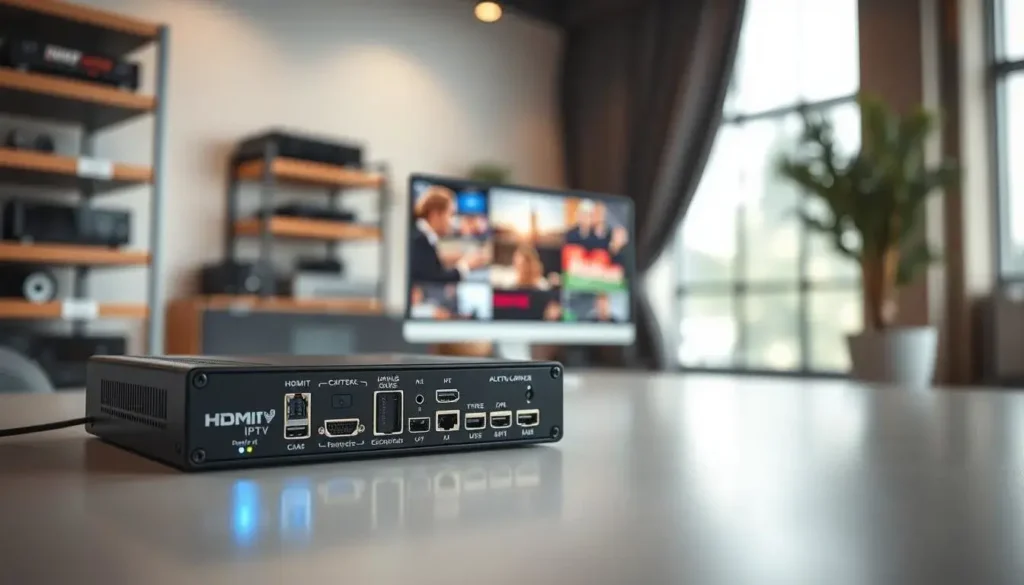
Table of Contents
Understanding HDMI IPTV Encoder Technology and Benefits
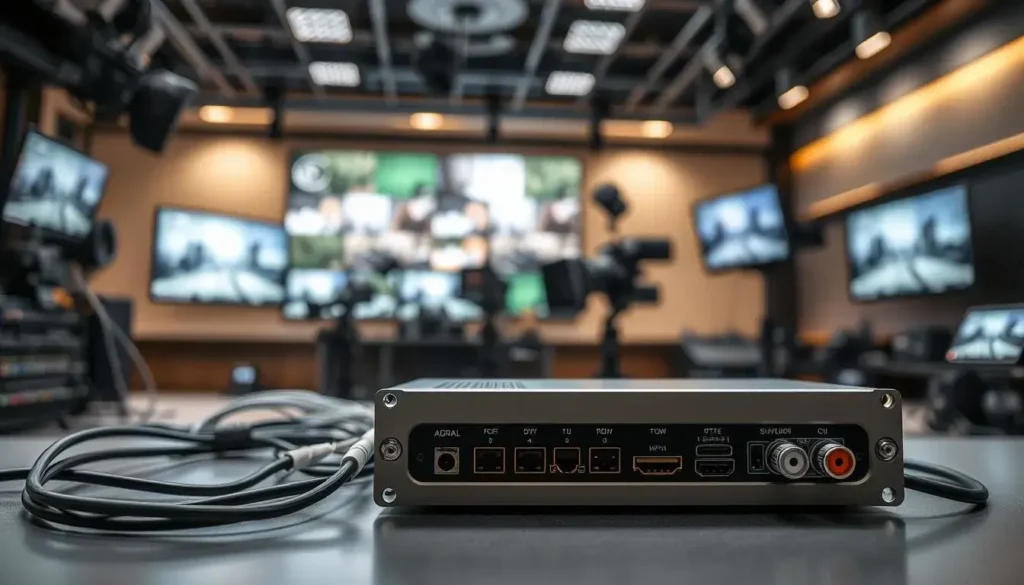
Adding an hdmi iptv encoder to your setup turns raw HDMI signals into streams for distribution. It changes high-resolution video and audio into formats like H.264 or HEVC. These streams are then sent over IP for easy delivery.
What an HDMI IPTV encoder does for your streaming workflow
An encoder makes files smaller using efficient codecs. This reduces bandwidth use without losing quality. You can send an IP feed to a CDN or campus network while showing it on a local monitor.
Key advantages of using an hdmi iptv encoder for internet protocol television
Using an encoder makes distributing channels scalable and reliable. It’s great for hotels and universities, supporting set-top boxes and OTT platforms. Look for features like closed caption passthrough and emergency alert support.
How high-definition multimedia interface (HDMI) integration improves signal quality
HDMI keeps resolution, color spaces, and audio quality high. Brands like Blackmagic Design and AJA offer strong HDMI-to-IP devices. They auto-detect EDID and handle HDCP-protected content, ensuring quality transmission.
Common use cases: live events, broadcast equipment, and corporate streaming
Live events like concerts and sports need low-latency encoders. Brands like Haivision or Teradek are good for real-time interaction. Broadcast racks prefer redundant, rack-mount encoders for uptime.
Corporate streaming values easy setup and security. It integrates with enterprise CDNs for events and training. Encoders fit into larger systems for IPTV headends or cloud ingest points, making them key for professional streaming.
How to Choose the Right Video Encoding Device for Your Setup
Choosing the right video encoding device starts with knowing what you need. First, list your camera and mixer outputs. Note any loop-throughs and audio inputs needed. This ensures your hdmi iptv encoder can handle your sources’ resolutions and color spaces.
Assessing input/output requirements and compatibility with video sources
Check how many HDMI and SDI inputs you need. Look for dual or quad options for multi-camera shoots. Make sure there are Ethernet, SFP, and HDMI loop-out for monitoring.
Also, confirm support for embedded audio, XLR line inputs, and closed captions like CEA-708/608. This ensures your streams follow broadcast rules.
Evaluating supported codecs, bitrates, and streaming protocols
Choose between H.264 for wide compatibility or H.265 for saving bandwidth on 4K streams. Look for flexible bitrate modes and GOP control. Also, check for profile/level options.
Ensure the unit supports RTMP for legacy CDN ingest and SRT for secure low-latency contribution. HLS, RTSP, MPEG-TS, and multicast support is key for both viewers and IPTV headends.
Considering latency, resolution, and frame-rate needs for live streaming solution
Determine your acceptable end-to-end latency. Aim for sub-second for interactive feeds or a few seconds for standard streams. Confirm it handles your target resolution and frame rate, like 50/60 fps for sports.
Look for motion-adaptive modes to keep quality during high-action scenes.
Power, form factor, and rack-mount vs. portable video encoding hardware
Opt for a portable encoder for field work or a rack-mount for permanent installs. Compare Teradek and AJA for mobility, and Haivision or Ateme for enterprise racks. Check for redundant power supplies, fan noise levels, and operating temperature range.
Confirm interoperability features like SNMP or REST APIs, NTP support for time alignment, and ST 2110 or NDI compatibility. These ensure your streaming technology is flexible and ready for growth.
hdmi iptv encoder: Top Features to Look For
When looking for an hdmi iptv encoder, focus on features that fit your needs. The right device makes setup easy, keeps streams safe, and grows with you. Here are key features to consider before you buy.
Dual and quad HDMI inputs
Choose a device with multiple HDMI inputs. This lets you capture several camera angles or feeds at once. Brands like Teradek and Haivision offer devices with scalable channel licensing. This means you can add more streams as your project expands.
Network video encoding options
Your device should support multicast and unicast modes for efficient distribution. It should also support SRT, RTMP, HLS, CMAF, and IGMP/PIM for content delivery. SFP slots for fiber ensure long-distance connections for remote sites.
Built-in transcoding and recording
Transcoding inside the unit makes streaming easier. A device that outputs multiple renditions saves on costs. It also allows local recording in MP4 or TS format with scheduled triggers.
Stream redundancy and uptime
Opt for hardware with dual-encoder failover or dual-ethernet bonding. This prevents interruptions. Stream duplication to multiple CDNs or IP destinations protects live broadcasts. These features are crucial for professional use.
Security and management
Look for security features like AES encryption, user authentication, and role-based access control. SRT key management adds protection for transport streams. A clean management interface makes administration and automation easier.
Firmware updates and vendor policies
Check the vendor’s firmware update and security patch policy before buying. Remote updates and configuration backup tools reduce maintenance and keep your system secure.
Practical pro features
Seek features like closed caption passthrough, PSI/SI table insertion for IPTV, QoS tagging with DSCP, and VLAN support. These functions help integrate the encoder into enterprise networks and broadcast equipment racks.
Final buying tip
Match the encoder’s channel count, codec support, and network features to your delivery plan. A good hdmi iptv encoder with strong network video encoding and solid security will make digital video transmission smooth for any production size.
Comparing Models, Pricing, and Vendor Support for Broadcast Equipment hdmi iptv encoder
Choosing the right broadcast equipment is about finding the best mix of specs, cost, and support. Start by making a checklist to compare different models fairly. Look at real-world tests for how well they handle heat and keep a steady bitrate.
Below is a table to help you see the main differences. Check for resolution, codec profiles, max bitrate, latency, I/O count, and network interfaces. Also, make sure they offer REST APIs, SNMP, and hardware monitoring.
| Model / Use Case | Resolution & Profiles | Max Bitrate | Latency (typical) | I/O Count | Network Interfaces | Management & Monitoring |
|---|---|---|---|---|---|---|
| Haivision Makito X (single-channel) | Up to 4K60, H.264 & H.265 profiles | 200 Mbps | 50–200 ms | 1 HDMI in, 1 SDI out | 1x 10GbE SFP+ | REST API, SNMP, web GUI, hardware health |
| AJA HELO (portable encoder) | Up to 1080p60, H.264 | 50 Mbps | 80–300 ms | 1 HDMI in, 1 HDMI loop | 1x 1GbE | Web UI, basic SNMP, firmware updates |
| Teradek Cube (multi-use) | Up to 1080p60, H.264/H.265 options | 120 Mbps | 60–250 ms | 1 HDMI, optional SDI via model | 1x 1GbE, Wi‑Fi option | Cloud management, REST, diagnostics |
| Enterprise Rack Appliance (multi-channel) | Multi-channel 4K/1080p, adaptive codecs | Aggregate 1–10 Gbps+ | 20–150 ms | 4–24 HDMI/SDI inputs | 10/25/40GbE options | Centralized management, LDAP, SNMP, SLA monitoring |
When deciding between budget and enterprise options, think about the total cost. Basic hdmi iptv encoders cost a few hundred to a few thousand dollars. High-end units and multi-channel appliances can cost several thousand to tens of thousands. Don’t forget to include ongoing costs like license fees, support contracts, and CDN charges.
Warranty and support are crucial for critical streams. Look for U.S.-based tech teams, next-business-day RMA, and extended warranties. Brands like Haivision and AJA offer professional support tiers and service-level agreements with response times and on-site repair options.
Buy from authorized resellers, certified system integrators, or directly from manufacturers. Check the reseller’s credentials, ask for case studies, and request references. For big projects, ask for a trial unit or proof-of-concept to test the streaming technology under your load.
Prior to buying, check for bundled accessories, firmware update frequency, and available training or installation services. Use the contact number +44 7853 146902 to get tailored quotes, compatibility checks, or help finding vetted U.S. resellers and system integrators.
Key evaluation steps:
- Run side-by-side tests for consistent bitrate and thermal behavior.
- Confirm codec and protocol compatibility with your CDN and players.
- Validate network video encoding throughput with your infrastructure.
- Assess vendor SLAs and local support options before signing.
Conclusion
When choosing an HDMI IPTV encoder, consider several factors. Look at I/O counts, supported codecs, and streaming protocols. Also, think about latency and your budget.
For a reliable digital video transmission, find devices that scale with your needs. They should offer security and good vendor support. This ensures your live streaming solution can grow as demand increases.
For field work, pick compact, battery-friendly devices with SRT support. For large IPTV deployments, choose rack-mount appliances with multicast and ABR. For broadcast needs, go for low-latency systems from trusted brands with U.S.-based support.
Next, assess your needs for sources, viewer numbers, latency, and network architecture. Create a spec matrix and test devices before you buy. For help, call +44 7853 146902 for advice and quotes from reliable sources.
FAQ
What is an HDMI IPTV encoder and why do you need one?
An HDMI IPTV encoder changes HDMI video and audio into IP streams. This makes it easy to send content over Ethernet or other networks. It’s great for live events, corporate streams, and more. It helps save bandwidth and keeps your streams clear.
Which use cases are best served by hdmi iptv encoder?
They’re perfect for live events, corporate webcasts, and hotel IPTV systems. They’re also good for remote production and OTT content delivery. You can manage multiple camera angles or channels from one device.
What input and output features should you check before buying?
Look for HDMI inputs, SDI hybrids, and HDMI loop-outs. Also, check for analog audio/XLR and recording ports. Make sure it has Ethernet, SFP slots, and USB for capture.Verify support for resolutions, frame rates, closed captions, and metadata passthrough.
Which codecs and streaming protocols should the encoder support?
H.264 is widely supported, while H.265 is better for saving bandwidth. Ensure it supports RTMP, SRT, RTSP, HLS, MPEG-TS, and CMAF for CDN distribution. IPTV headends need multicast with IGMP/PIM and RTP/UDP tuning.
How do you balance latency, resolution, and frame rate needs?
Decide on acceptable latency for your use. Choose encoders with low-latency modes and adjustable GOP settings. Match resolution and frame rate to your content, like 50/60 fps for sports.
Should you choose portable or rack-mount video encoding hardware?
Portable units are great for field work and battery operation. They’re perfect for mobile crews and pop-up events. Rack-mount appliances are better for permanent installs and offer more features.
What redundancy and reliability features should you prioritize?
Look for dual-encoder failover and dual-ethernet bonding. Redundant power supplies and stream duplication to multiple CDNs are key. Local recording, scheduled triggers, and hardware watchdogs help keep things running smoothly.
How important is security and management for IPTV encoders?
Very important. Ensure AES encryption, SRT key management, and user authentication. Management interfaces should include web GUI, REST API, SNMP, and CLI for remote monitoring.
Can encoders transcode and support adaptive bitrate streaming?
Yes. Many encoders can transcode and support adaptive bitrate streaming. This lets you deliver content to CDNs and viewers while recording a high-quality master.
Which professional brands and models are recommended for U.S. deployments?
Teradek, Haivision, AJA Video Systems, Blackmagic Design, and Ateme are top brands. Choose field-friendly models for mobile production and rack-mount units for broadcast and enterprise IPTV.
How do you compare models and price points effectively?
Compare resolution support, codec profiles, max bitrate, latency, I/O count, and network interfaces. Consider licensing fees, support contracts, and CDN costs. Entry-level encoders are cheaper, while enterprise models offer more features.
What network considerations matter for multicast IPTV and campus deployments?
Ensure IGMP snooping, PIM support, VLAN tagging, DSCP/QoS, and proper multicast routing. Use SFP fiber options for long links. Coordinate with network teams for reliable multicast delivery.
Do HDMI encoders handle HDCP and EDID correctly?
Professional encoders from AJA or Blackmagic Design handle EDID and HDCP well. Verify the encoder’s HDCP policy for streaming protected content and confirm EDID emulation for displays and switchers.
What management and monitoring features help you operate at scale?
Remote management via REST API, SNMP, and web GUI is key for large deployments. NTP support, logging, alerts, and telemetry are important. Look for dashboards that show CPU, bitrate, packet loss, and stream health.
Where should you buy and what support options should you seek in the U.S.?
Buy from authorized resellers, certified system integrators, or directly from manufacturers. Confirm reseller certifications and request references. Prioritize vendors offering U.S.-based support and extended warranties.
How can you get personalized recommendations or quotes ?
Call +44 7853 146902 for tailored recommendations and quotes. Discuss your needs and connect with vetted U.S. resellers and system integrators.
